
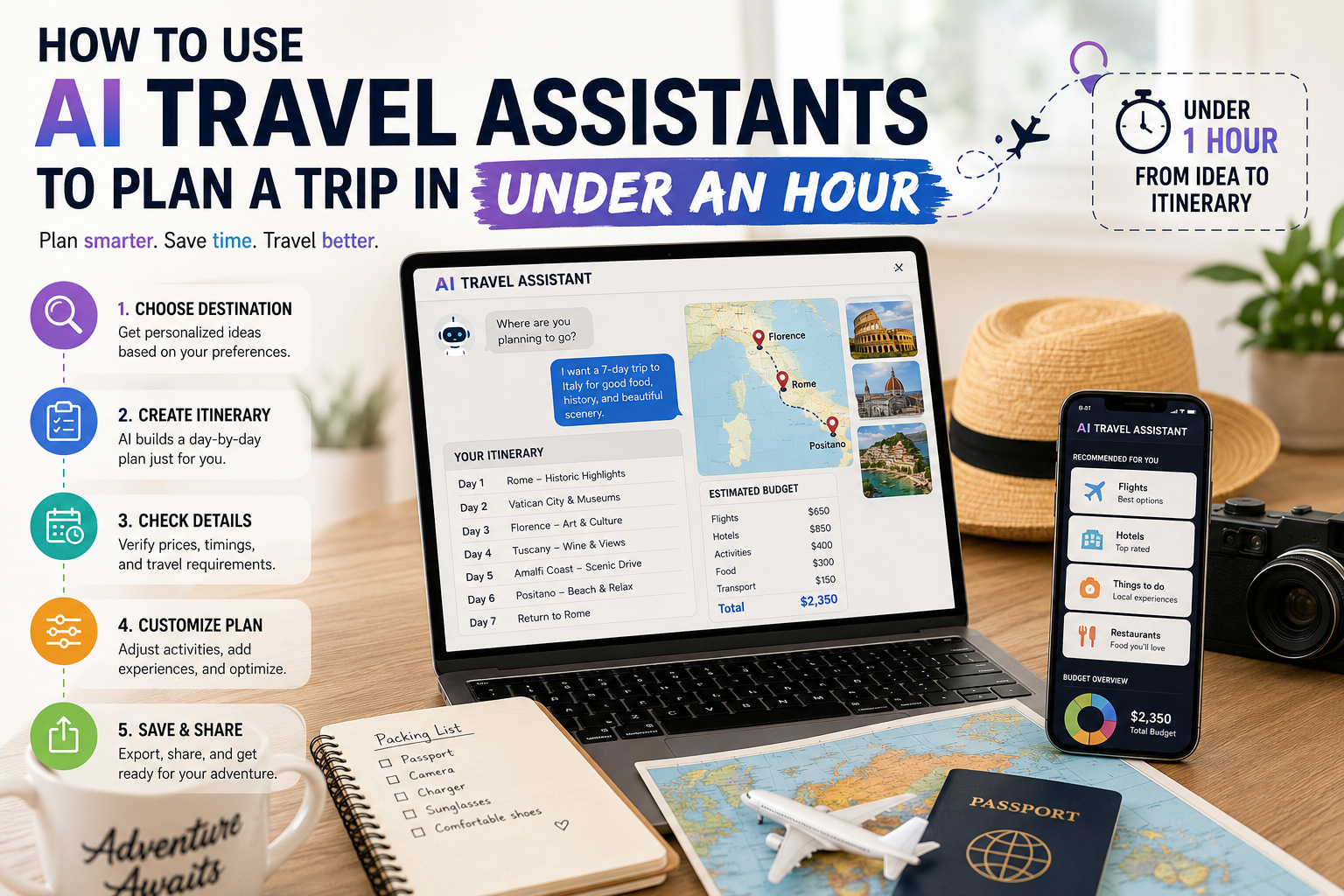
Planning a vacation no longer requires hours of research across multiple websites. AI travel assistants can help you choose destinations, create personalized itineraries, compare travel options, and organize your plans in less than an hour. While AI speeds up the planning process, it’s still important to verify important details like prices, availability, and travel requirements before booking.
Choose the Right AI Travel Assistant
Different AI tools serve different purposes.
- ChatGPT and Google Gemini are great for destination ideas, budgets, and travel advice.
- Mindtrip, Layla, and Wonderplan create day-by-day itineraries.
- GuideGeek helps answer travel questions while you’re on the move.
- Expedia and Booking.com AI combine planning with hotel and flight booking.
Using a general AI assistant for ideas and a dedicated travel planner for itinerary creation usually gives the best results.
Plan Your Trip in Under an Hour
1. Pick Your Destination (0–10 Minutes)
Tell the AI your travel dates, budget, interests, and who you’re traveling with. Instead of asking, “Where should I travel?”, provide specific details to receive better recommendations.
2. Build Your Itinerary (10–25 Minutes)
Once you’ve chosen a destination, ask an AI travel planner to create a daily itinerary. Include preferences like sightseeing, food, family-friendly activities, or adventure to get a personalized schedule.
3. Verify Travel Details (25–40 Minutes)
Before booking, confirm:
- Flight and hotel prices
- Attraction opening hours
- Transportation options
- Reservation requirements
Always verify information using official websites or trusted booking platforms.
4. Customize Your Plan (40–50 Minutes)
Adjust the itinerary by removing activities you don’t enjoy or adding local experiences. AI tools can quickly update individual days without rebuilding the entire trip.
5. Save and Share (50–60 Minutes)
Export your itinerary as a PDF, calendar, or shareable link so everyone traveling has access to the latest plan before reservations are made.
Tips for Better AI Prompts
To get more useful results:
- Include your budget.
- Mention travel dates.
- Specify your interests.
- Mention what you want to avoid.
- Ask for less crowded attractions.
- Request estimated daily costs.
The more details you provide, the better your itinerary will be.
What AI Can’t Do Perfectly
Although AI travel assistants are helpful, they aren’t perfect.
Always double-check:
- Visa requirements
- Passport validity
- Live prices
- Attraction availability
- Weather conditions
- Cancellation policies
AI should assist your planning—not replace official travel information.
Conclusion
AI travel assistants make trip planning faster and easier by helping travelers research destinations, build itineraries, and organize travel plans in minutes. Combining AI recommendations with your own research ensures a smooth, well-planned vacation while avoiding costly mistakes.